


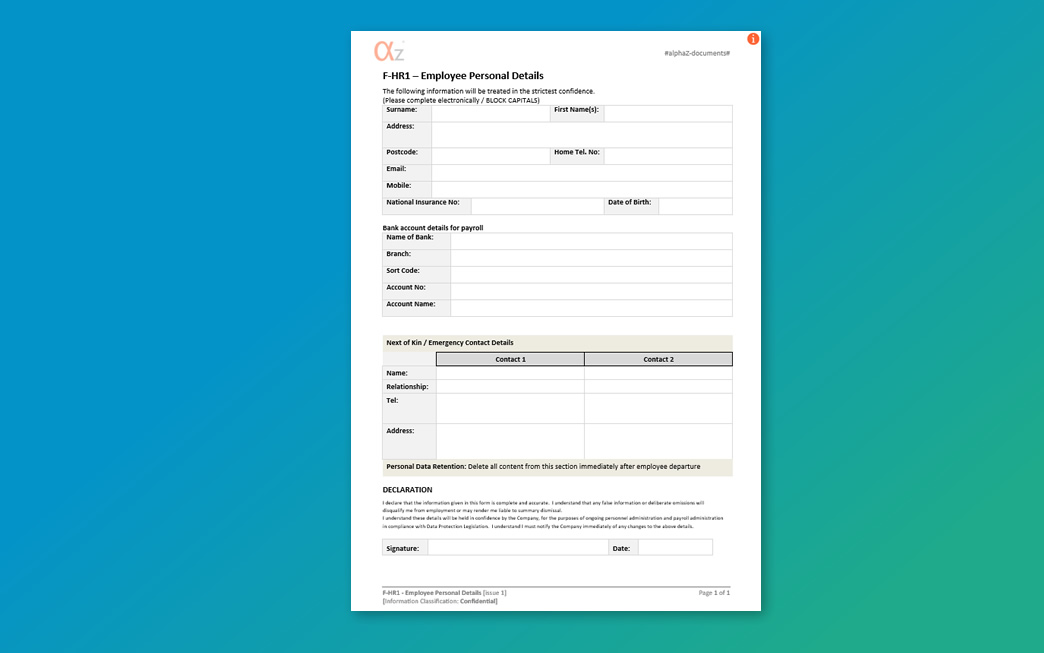
We have completed a pass across every one of the alphaZ form templates, the F-coded forms that sit behind the registers, checklists and records in the alphaZ documents library. It was a housekeeping exercise rather than a change to what the forms do, but it tidies the whole set and fixes one practical annoyance in the process.
What Changed Across the alphaZ Form Templates
The styling was brought back into line across all of the form templates so that the forms present consistently, with the same look applied throughout the set. The content and fields of the forms are unchanged, so any copies already in use stay valid; the refreshed versions simply carry the tidied styling.
Form Template Footers Now Adjust to Portrait or Landscape
The most useful change is to the footer. On the alphaZ form templates it now adjusts itself automatically depending on whether a form is set up in portrait or landscape, instead of needing manual attention when a form is rotated. That matters most on the wider registers and checklists that are designed to run in landscape, where the footer previously did not sit correctly. It is a small fix, but it ensure the forms are easier to adapt and use if you need to customise the layout.
How to Check Your Form Template Is the Current Version
As always, all of our form templates are provided as 'Issue 1' on the face of the document, so the issue number on the form is not what tells you whether your copy is the current one. The document control for files we issue is instead held in the file properties, where we use the 'Status' field. If you want to check that a form template you are already working from is the same as the one currently available to download, open the file properties and compare the Status field against the current download. If they match you are on the current version; if they differ, download a fresh copy if you want to update the form your are using.
The refreshed templates are available now across alphaZ documents.
Published: 21 July 2026
